Внимание: Этот ресурс больше не обновляется. Вся актуальная документация и новые статьи теперь доступны на нашем новом портале поддержки.
How can we help you?
Hide or display the content of tool groups
Application:
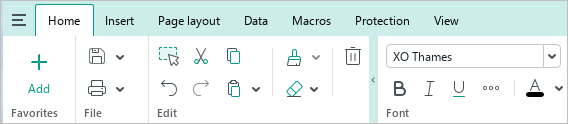
Tool groups can be minimized automatically, when the main application window is resized or maximized, or manually.
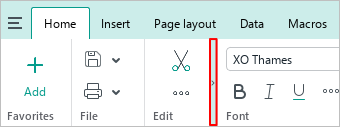
To collapse a tool group manually, move the mouse cursor over its right border and click the  button.
To display the tools of a hidden group, left-click it.
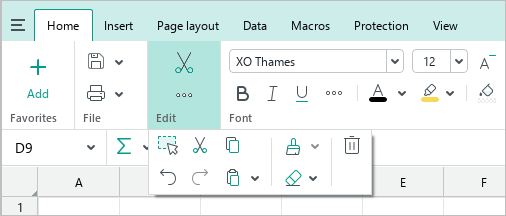
To expand the group, click  .
.
Was this helpful?
Yes
No
